购物车空
继续购物If your Forza Horizon 6 (FH6) game is stuttering, lagging, or showing that weird “slow-down and speed-up” effect, you're not alone. Many players have noticed this during launch week. The main culprits are conflicts between the game's frame limiter and V-Sync systems on PC. Here's a straightforward guide to get smoother gameplay.
A lot of stuttering comes from the game's engine fighting with its V-Sync mechanics. To fix this:
This ensures the game isn't constantly fighting your GPU, which helps stabilize frames.
High-end graphics can strain your system, especially on cards with 8GB VRAM or less. Try these tweaks:
These changes reduce memory leaks and asset-streaming lags, which are common causes of stuttering.
These settings address driver-level conflicts that can cause micro-stutters.
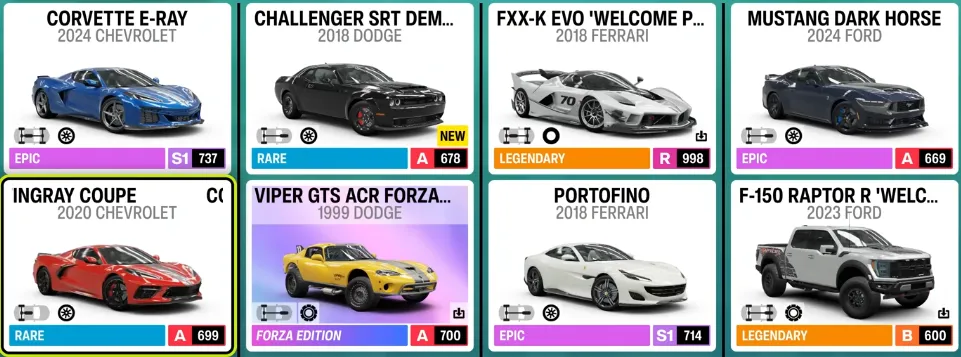
If you want to skip all the trial-and-error tweaks and jump straight into smooth gameplay, many players turn to SHANNENG to purchase a Forza Horizon 6 Modded Account, which comes pre-configured with optimized settings and high-end cars, letting you enjoy the festival in Japan instantly without worrying about stutters or driver conflicts.
Background features can interfere with Direct3D rendering. Do this:
These small tweaks can make a noticeable difference in frame stability.

Fixing stuttering in FH6 is usually a mix of adjusting in-game settings, tuning graphics, and applying hardware-specific fixes. Start with disabling V-Sync and unlocking frame rates, then tweak textures, Ray Tracing, and fog settings. Finally, check driver and Windows features for conflicts. With these steps, your FH6 experience should feel smooth and responsive, letting you enjoy Japan's festival roads without the frustrating slow-downs.