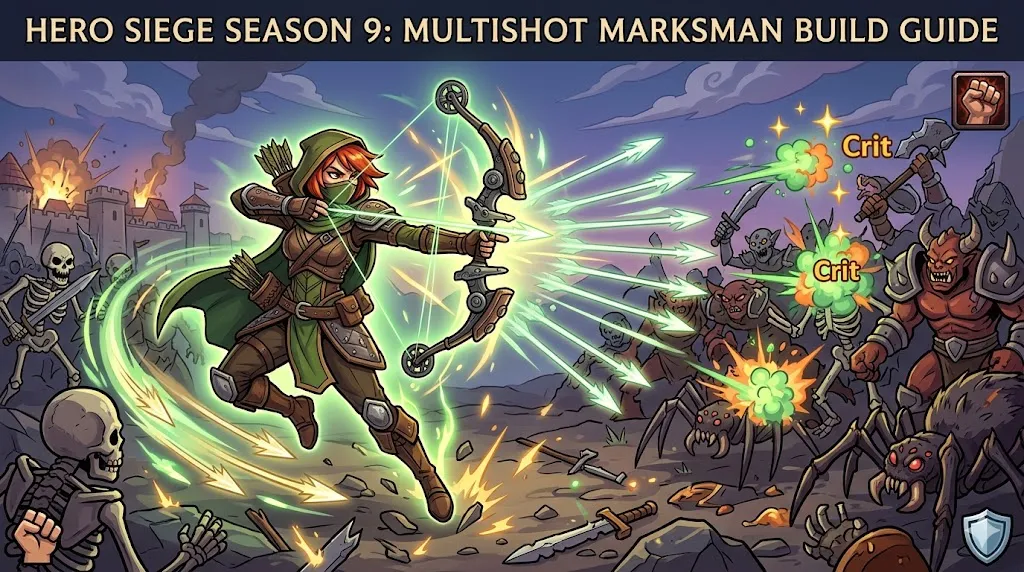
On April 3, 2026, Hero Siege officially launched on PlayStation 5, coinciding with the start of Season 9. This release brings exciting new features and enhancements to the game, offering players a fresh experience and a chance to dive into the latest content on a new platform. Here's a breakdown of what to expect, including information on crossplay, controller support, and more.
Release Date and Platform Details
- Platform: PlayStation 5 (native version)
- Release Date: April 3, 2026
- Key Features: Includes all content updates from Hero Siege Season 9, with balance adjustments and new gameplay features designed to enhance the experience for both new and returning players.
Cross-Platform Play (Crossplay)
One of the most exciting features of Hero Siege on PS5 is the ability to play with others across different platforms. The game supports cross-platform multiplayer, meaning PS5 players can team up with friends on both PC and other consoles. This opens up the community and makes it easier to find matches, even if your friends play on different systems.
- Crossplay: Active between PS5, PC, and other consoles. You can join the same game with players across these platforms, ensuring a vibrant and diverse multiplayer community.
However, there is a notable limitation when it comes to cross-commerce:
- No Cross-Commerce: Unfortunately, purchases made on one platform will not carry over to another. This means that any purchases you make on the PlayStation Store (such as skins or classes) will be exclusive to your PS5 account and won't be available on PC or other platforms. Similarly, Blood Pacts, which are a key feature in Hero Siege, do not transfer between platforms, so they are not usable on both your PS5 and PC accounts.
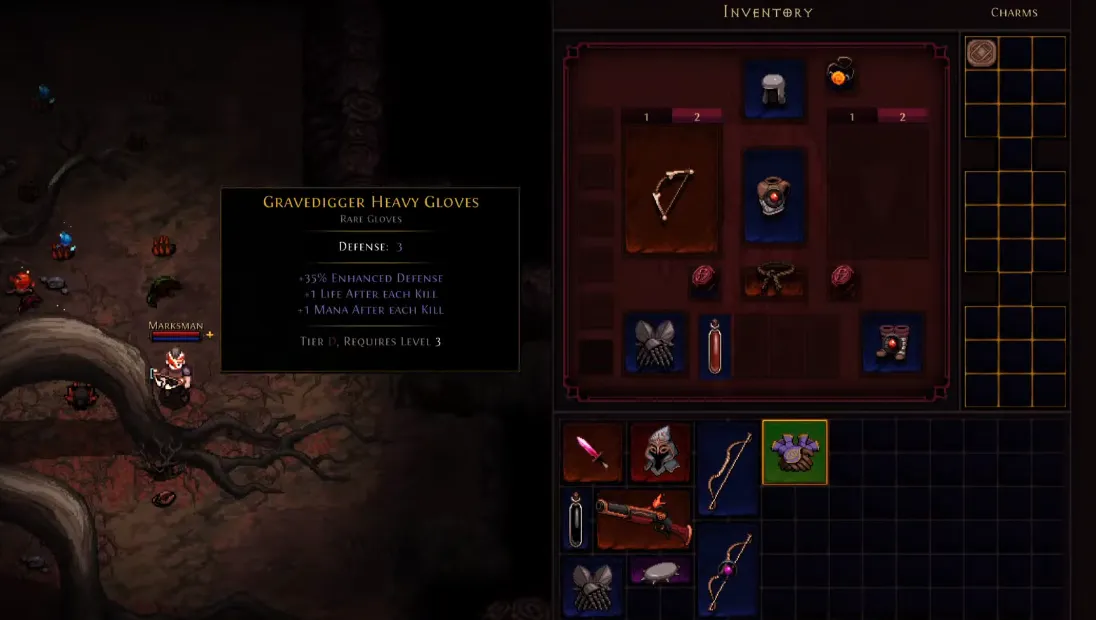
Hero Siege PS5 Season 9 Gameplay
PS5 Controller Support
The PS5 version of Hero Siege fully supports the DualSense wireless controller, taking advantage of the advanced features that come with it. Here's what you can expect when using the controller:
- Vibration: Experience enhanced haptic feedback, allowing you to feel the action in the game more vividly. Whether you're battling enemies or exploring the world, the vibrations will make the experience more immersive.
- Controller Remapping: The game allows basic remapping of controller buttons, so you can customize your control scheme to suit your playstyle.
For players on PC who want to use the PS5 controller, things are a little trickier. By default, the game may not immediately recognize the DualSense, and you might need to do some additional setup to get it working properly.
How to Set Up PS5 Controller on PC (Steam)
If you're playing Hero Siege on PC and want to use a PS5 controller, follow these steps to get it working:
- Enable Steam Input:
- Go to your Steam Library, right-click Hero Siege, then select Properties.
- Under Controller, choose Enable Steam Input from the dropdown menu.
- Use Steam Big Picture Mode:
- Launch Steam in Big Picture Mode.
- Go to Settings > Controller Settings and make sure PlayStation Configuration Support is checked.
- Third-Party Wrappers:
- If the above steps don't work, you can use tools like DS4Windows. This software makes your PS5 controller appear as an Xbox controller, which the game recognizes more reliably.
Known Issues and Tips
Though the PS5 version of Hero Siege works well with the DualSense controller, there are a few quirks and limitations you should be aware of:
- Controller Prompts: Even if your PS5 controller is working, the game might still show Xbox-style button prompts (A, B, X, Y) instead of the PlayStation icons (Circle, Cross, Square, Triangle). This can be a little confusing at first, but the game's functionality is not affected.
- Skill Mapping: Some players have reported difficulties when trying to map more than 4 skills directly to the controller's buttons. To solve this, you may need to use button combinations (e.g., L1 + Triangle) to assign certain abilities.
- Auto-Aim: If you're using analog sticks for aiming, make sure Auto Aim is enabled in the in-game settings. This helps improve targeting accuracy, especially in fast-paced battles.
The PlayStation 5 release of Hero Siege brings a ton of exciting updates, especially with the integration of Season 9 content. Crossplay allows PS5 players to join their friends across platforms, making multiplayer more accessible than ever. While cross-commerce is not supported, the native PS5 controller support and the immersive features like vibration and remapping make the experience feel fresh. For those playing on PC, setting up the PS5 controller can be a bit tricky, but with a few tweaks, you can get it working smoothly.