购物车空
继续购物To fix the Forza Horizon 6 black screen issue on boot or during gameplay, apply these targeted troubleshooting steps sequentially:
After trying all these fixes for black screen issues in Forza Horizon 6, it’s worth noting that having extra credits can also make your experience smoother, whether for restoring cars, unlocking events, or testing new setups without grind stress — and for those looking to quickly boost their garage, SHANNENG is a reliable place to buy FH6 credits online safely and efficiently.
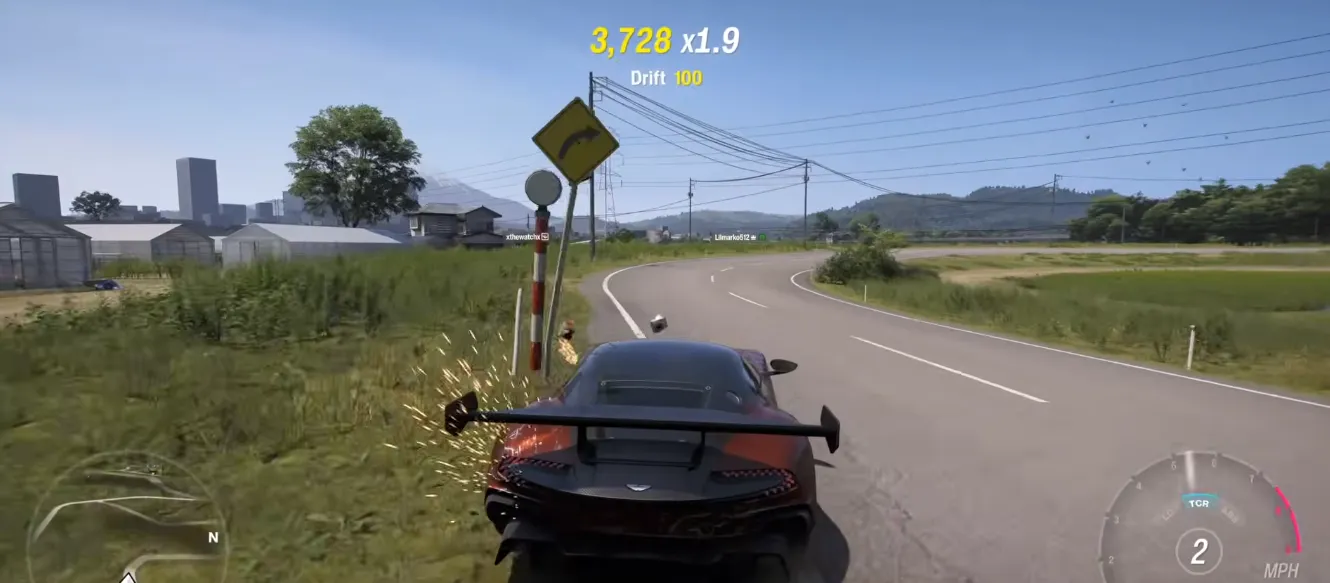
Most players report these symptoms:
| Problem | What Happens |
|---|---|
| Black startup screen | Game never loads past launch |
| Intro crash | Intro logo appears briefly, then freezes |
| Windows error sound | Pressing buttons causes Windows warning noises |
| Infinite loading | Game stays black indefinitely |
| Launch failure | FH6 closes instantly after boot |
Right now, the most common cause of the FH6 black screen issue is overlay software.
Programs that inject overlays into games can stop FH6 from loading properly.
| Application | Reported Issue |
|---|---|
| RivaTuner Statistics Server (RTSS) | Prevents game from loading |
| MSI Afterburner | Causes black screen on startup |
| NVIDIA Overlay | Can interfere with launch |
| Discord Overlay | May crash or freeze the game |
| Screen-sharing software | Can break rendering |
| FPS counters | Sometimes conflict with FH6 |
This is the fix that solved the issue for the largest number of players.
| Step | Action |
|---|---|
| 1 | Fully close MSI Afterburner |
| 2 | Exit RivaTuner Statistics Server (RTSS) |
| 3 | Make sure they are not running in the system tray |
| 4 | Relaunch FH6 |
Many players confirmed the game instantly started working after shutting these programs down.
Even if RTSS is not installed, overlays from other apps can still cause problems.
| App | How to Disable |
|---|---|
| Discord | Settings → Game Overlay → Disable |
| NVIDIA App | Disable In‑Game Overlay |
| Steam | Disable Steam Overlay for FH6 |
| Xbox Game Bar | Turn off background recording |
After disabling them, restart your PC before testing again.
A strange bug in FH6 can happen while screen sharing.
Players found that streaming the actual FH6 game window can trigger the black screen problem.
| Wrong Method | Correct Method |
|---|---|
| Share “Forza Horizon 6” window | Share entire desktop/screen |
| Stream game executable directly | Stream monitor instead |
This fix worked for multiple Discord users.
Some players reported that FH6 launches correctly when started manually from the installation folder.
| Platform | Steps |
|---|---|
| Steam | Right-click FH6 → Manage → Browse Local Files |
| Xbox App | Open installation folder manually |
| Game Pass | Locate executable in game directory |
Then:
For some users, this bypasses overlay conflicts automatically.
If you want to keep using RivaTuner, there's a workaround that may help.
| Step | Action |
|---|---|
| 1 | Open RTSS |
| 2 | Add the FH6 executable |
| 3 | Select the FH6 profile |
| 4 | Click “Setup” |
| 5 | Enable “Use Microsoft Detours” |
| 6 | Save settings and relaunch |
This method allows some players to continue using FPS monitoring without crashing FH6.
Driver problems can also trigger startup crashes.
| GPU Brand | What to Do |
|---|---|
| NVIDIA | Install latest Game Ready Driver |
| AMD | Update Adrenalin drivers |
| Intel | Update Arc graphics drivers |
Always restart your PC after installing new drivers.
Corrupted files can also cause black screens.
| Platform | Verification Method |
|---|---|
| Steam | Properties → Installed Files → Verify Integrity |
| Xbox App | Manage → Files → Verify and Repair |
This checks for missing or damaged files automatically.
These smaller tricks have also helped some players.
| Fix | Why It Helps |
|---|---|
| Run as Administrator | Prevents permission issues |
| Disable Fullscreen Optimizations | Improves compatibility |
| Alt + Enter | Forces display mode reset |
| Restart PC | Clears stuck background processes |
| Disconnect second monitor | Fixes display detection bugs |