购物车空
继续购物In Forza Horizon 6, the game automatically saves your progress, but knowing how to ensure your data is secure can save you a lot of frustration—especially after long races, rare car wins, or completing major events.
Unlike some other games, FH6 does not have a traditional “Save Game” button. Instead, it uses a continuous autosave system that records progress at key moments:
The autosave happens in the background, and a small spinning save icon appears on the screen when the game is writing data. You'll typically see it near the speedometer in the bottom-right corner. Always wait for this icon to disappear before exiting the game to prevent any loss of progress.

If you want to make absolutely sure your latest progress is saved before quitting, there are several ways to trigger an instant autosave:
Watch the small saving icon to confirm the game has completed the write operation before closing the session.
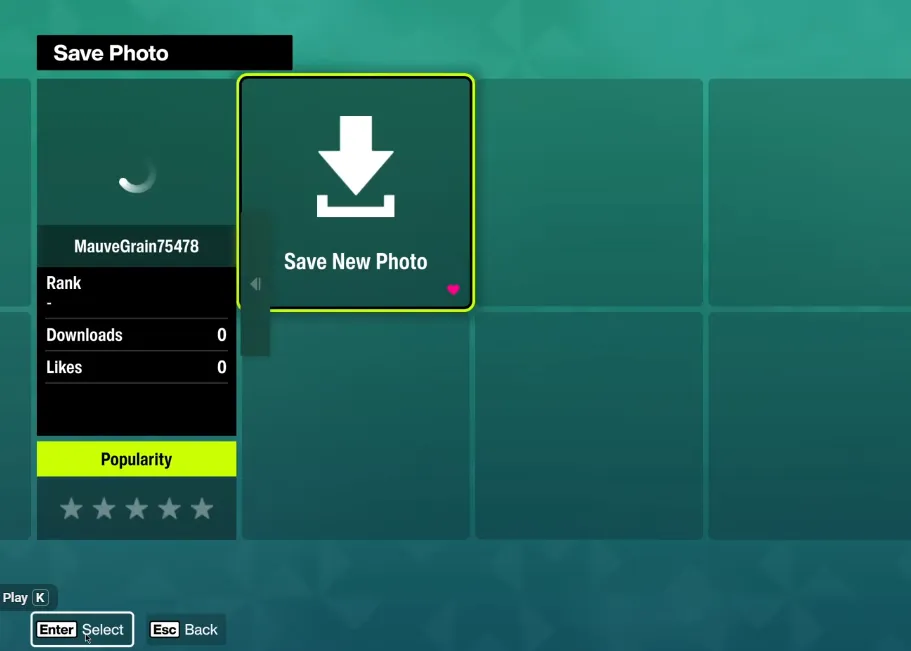
Some PC players notice progress not sticking between sessions, especially when running FH6 via Xbox Game Pass or Steam. Common fixes include:
By following these tips, you can confidently exit Forza Horizon 6 without worrying about losing your progress. Whether you've just unlocked a rare car or completed a tough event, forcing a save ensures every mile and reward is safely recorded.