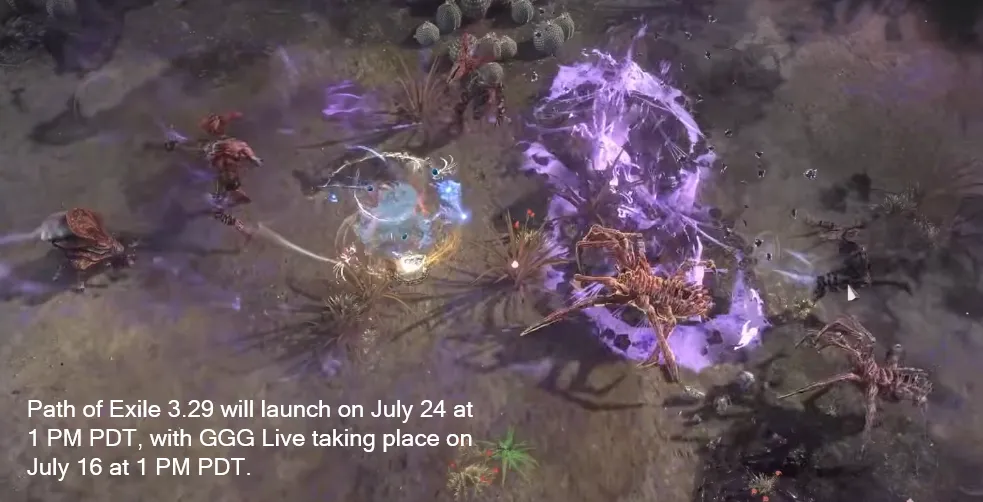
The Path of Exile 3.28 (Mirage League) is scheduled to end on July 20, 2026, at 3:00 PM PDT. The new Path of Exile 3.29 expansion will release on July 24, 2026, at 1:00 PM PDT.
Grinding Gear Games officially confirmed these dates on the Path of Exile Forum.
Schedule Overview
- July 16, 2026 (1:00 PM PDT): The GGG Live online reveal event will stream to show off the new league mechanics and patch notes.
- July 20, 2026 (3:00 PM PDT): The current 3.28 Mirage Challenge League ends.
- July 24, 2026 (1:00 PM PDT): The 3.29 Expansion launches.
Worldwide Launch Times for 3.29
The expansion launches at the exact same moment across the globe:
- United States (PDT): July 24 at 1:00 PM
- United States (EDT): July 24 at 4:00 PM
- United Kingdom (BST): July 24 at 9:00 PM
- Europe (CEST): July 24 at 10:00 PM
- Australia (AEST): July 25 at 6:00 AM
There will be a brief four-day downtime between the end of Mirage and the start of 3.29. GGG also teased a special interim event to help fill the gap.
Special Event Running Between Leagues
Grinding Gear Games has not yet revealed the exact gameplay details for the upcoming special event. They have only officially confirmed that a special event will take place during the gap between leagues, promising to share more information closer to the GGG Live event on July 16.
However, community analysis and past league transitions give us a very good idea of what to expect:
What We Know So Far
- The Schedule: The event will help fill the downtime after the Mirage League ends on July 20 and before 3.29 launches on July 24.
- Separate From Mirage: According to community news from sites like IGGM, you will create separate event characters. Your regular Mirage characters will remain untouched so you can finish any last-minute challenges.
- Potential Rewards: Historically, these short events feature exclusive cosmetic rewards, microtransactions, or mystery boxes for hitting specific level milestones.
Likely Event Formats
Based on previous end-of-league events, Grinding Gear Games usually pulls from a few fan-favorite formats:
- Flashback or Mayhem: These events pack every zone with massive amounts of past league mechanics. You might walk into an area that randomly spawns multiple Breaches, Harbingers, and Rogue Exiles all at once.
- Endless Modes: Formats like Endless Delve or Endless Heist completely bypass the main campaign. They force players to level up entirely inside a specific endgame mechanic starting from level one.
- Custom Ascendancy Events: Earlier this year, GGG ran the popular Legacy of Phrecia event, which completely replaced standard classes with 19 unique, limited-time Ascendancies. While a direct repeat is unlikely, a similar twist on character classes is highly possible.
How To Prep Your Stash For The Migration To Standard League
To prepare your stash for the migration to the Standard league, you need to organize your items before the league ends. When a league finishes, all your stash tabs move to the Standard league as "Remove-Only" tabs.
Follow these steps to make the move clean and easy.
1. Clean Out Your Specialized Tabs
Items in specialized tabs (like Currency, Maps, and Fragments) stack up automatically. If you leave items scattered in normal tabs, they will become messy "Remove-Only" tabs in Standard.
- Combine Currency: Move all your orbs, scrolls, and mirrors into your main Currency tab.
- Organize Maps and Fragments: Put all your endgame maps, scarabs, and boss fragments into their correct premium tabs.
2. Sell or Delete Junk Items
Do not let useless items clutter your Standard stash.
- Throw Away Bad Gear: Delete or vendor low-level gear, bad rares, and common unique items.
- Vendor Unfinished Projects: If you have half-crafted items you will never finish, sell them to NPCs for alterations or alchemy shards.
3. Price Items Fast
Standard league has its own economy. If you want to sell your league items for Standard currency, do it right before or right after the merge.
- Set an entire tab to a flat buyout price (like 10 Chaos Orbs) to sell off mid-tier items quickly.
4. Understand "Remove-Only" Tabs
When the merge happens, you will see new tabs in your Standard stash marked (Remove-Only).
- You can take items out of these tabs, but you cannot put items in.
- Once a Remove-Only tab is completely empty, it will disappear forever when you log out.
- If you already own an empty, normal premium tab in Standard, the game will automatically convert a Remove-Only tab into a normal, usable tab.